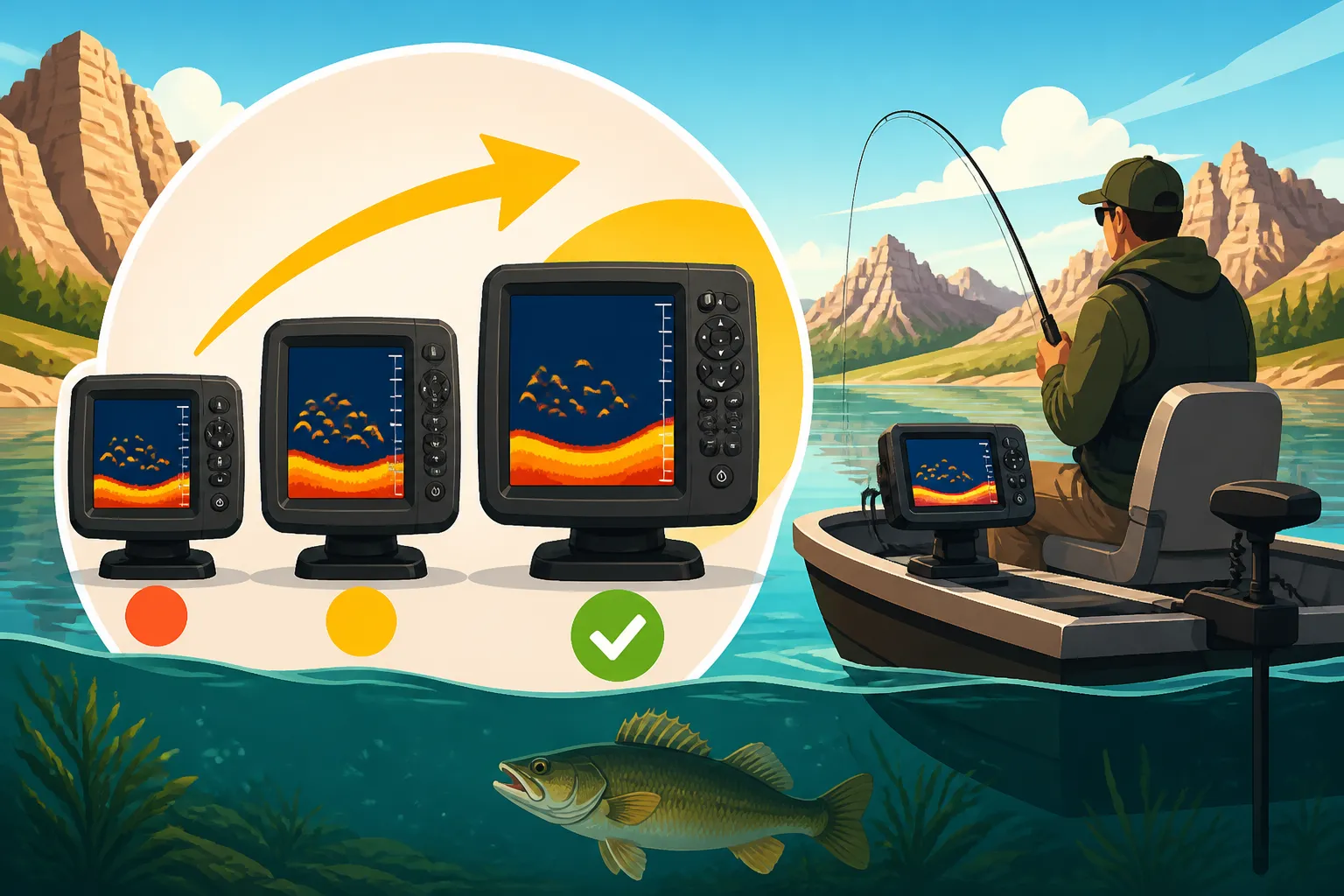
Best Fish Finder Screen Size for a Small Boat
One of the biggest headaches for small boat owners in South Dakota is trying to figure out what kind of fish finder will actually work for their vessel. You’re often caught between needing a screen big enough to actually see the details and finding one that doesn't completely overwhelm your limited dash space or empty your wallet. This guide is here to untangle that knot, helping you choose the best fish finder screen size for your compact fishing machine, whether you're drifting a quiet slough or chasing walleye on the main stem.
Why Screen Size Matters More Than You Think on a Small Boat
It's easy to fall into the trap of thinking "bigger is always better" when it comes to electronics, but on a small boat, that's often not the case. The constraints of a kayak, jon boat, or even a smaller utility boat mean every inch counts, both literally and figuratively. You're not just buying a screen; you're integrating a crucial piece of equipment into a tight workspace, and its size will impact everything from your visibility to your comfort on the water.
Visibility vs. Clutter: The Tightrope Walk
Imagine trying to navigate a narrow channel on Lake Oahe in your 14-foot jon boat, and your massive fish finder screen is blocking a significant portion of your forward view. It’s not just an inconvenience; it can be a real safety hazard. Small boats, by their nature, have limited dash or mounting real estate. A screen that's too large can quickly turn your cockpit into a cluttered mess, making it difficult to access other controls or even just move around comfortably.
Conversely, a screen that's too small might leave you squinting to discern fish arches from structure, especially when the sun is beating down on the water. Many small boats are open boats, meaning you're often exposed to direct sunlight and glare, which can significantly reduce the readability of smaller, lower-resolution screens. It's a delicate balance: you need enough screen size to clearly see what's happening below the surface without sacrificing precious space or obstructing your line of sight. Anglers often find this particularly frustrating when fishing solo, trying to manage steering, fishing, and screen interpretation all at once.
Reading the Details: Sonar, GPS, and More
The true power of a fish finder lies in its ability to translate the underwater world into understandable images and data. The screen size plays a critical role in how effectively it can do this. Think about high-definition television: a larger screen generally allows for more pixels and a clearer, more detailed picture. The same principle applies here.
On a smaller screen, intricate sonar returns – like the subtle separation between a walleye and the bottom, or the distinct shape of a submerged log – can be compressed and difficult to interpret. If you're running advanced sonar like side imaging or down imaging, which provide photographic-like views of structure, a larger screen makes a monumental difference in seeing the nuances. Similarly, if you're relying on your fish finder for GPS mapping, showing detailed depth contours, navigation routes, and waypoints, a tiny screen will force you to constantly zoom in and out, losing the overall picture of your fishing spot. Many modern units also offer split-screen views, allowing you to see sonar and GPS simultaneously. Trying to do this effectively on a small screen often results in both panes being too small to be genuinely useful, turning a helpful feature into a source of frustration. Understanding How to Read a Fish Finder for Walleye becomes infinitely easier with a clear, readable display.
Understanding Screen Size Categories for Small Boats
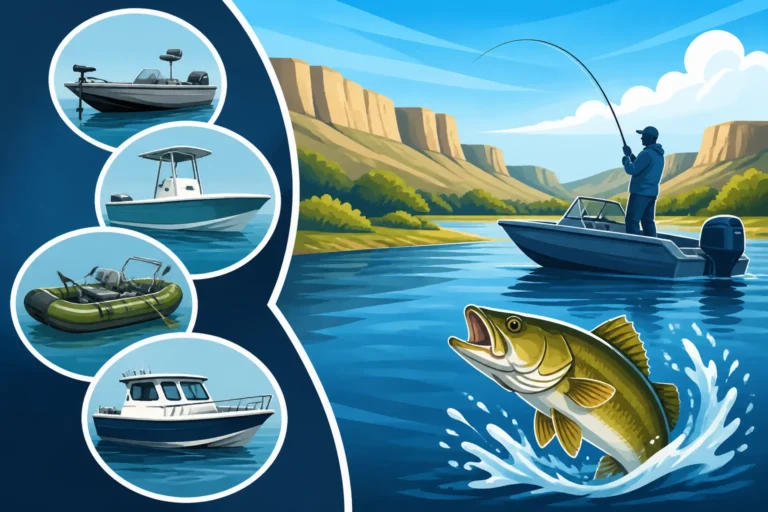
When we talk about "small boats" in South Dakota, we're covering a pretty wide spectrum. It could be a simple 10-foot kayak paddled quietly on a Black Hills stream, a 14-foot aluminum jon boat buzzing across Lake Sharpe, or even a slightly larger 17-foot multi-species boat navigating Lake Oahe. Each type has different space constraints and fishing demands, which directly influence the ideal fish finder screen size.
Compact and Portable (3-5 inches)
This category is truly the domain of minimalist anglers and those with the most restrictive space requirements. These smaller units, typically ranging from 3 to 5 inches diagonally, are often highly portable, sometimes even designed with suction cup mounts or clamp-on transducers. They are the go-to for situations like South Dakota Kayak Fishing Gear Guide, canoe trips, float tube fishing, or even small utility boats where a permanent installation isn't feasible or desired.
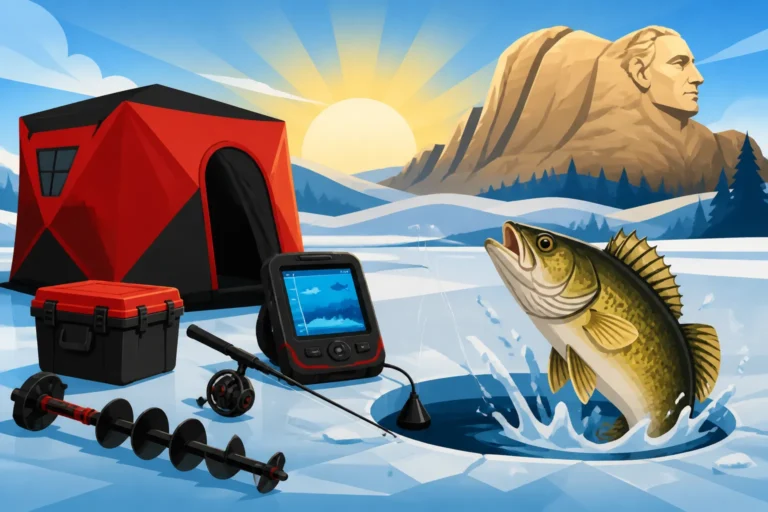
Pros: Their biggest advantage is their sheer portability and minimal footprint. They can be easily packed away, mounted quickly, and often run on internal batteries or small external power packs, making them perfect for impromptu trips or boats without dedicated wiring. They provide basic but essential information: depth, water temperature, and the presence of fish directly below the transducer. For someone who just needs to know if there's something down there, these are fantastic. Many ice fishing setups also utilize units in this size range for their portability and ease of viewing in a shelter. If you're getting ready for winter, consider how these compact units might fit into your South Dakota Ice Fishing Gear Guide.
Cons: The drawbacks are primarily related to detail and multi-functionality. On these smaller screens, interpreting complex sonar returns can be a challenge. You typically get a single-pane view, meaning you're toggling between sonar, GPS (if available), and other data, rather than seeing them simultaneously. Mapping capabilities are often rudimentary, with limited detail or the need for constant zooming. Glare can also be a significant issue, making the already small display even harder to read under bright South Dakota skies. They're generally not suited for anglers who need detailed structure scanning or precise navigation on larger bodies of water.
Mid-Range Versatility (6-8 inches)
For many small to mid-size fishing boats (think 14 to 18-foot jon boats, smaller aluminum fishing boats, or even compact fiberglass bass boats), a screen in the 6 to 8-inch range hits a sweet spot. This is where you start to get a real balance between screen real estate and manageable physical size, making them a popular choice for Best Boats for South Dakota Reservoir Fishing.
Pros: The primary benefit here is improved readability and the ability to comfortably utilize split-screen views. You can often display traditional sonar, down imaging, and a GPS map all at once without feeling like you're staring at three postage stamps. This allows for much better situational awareness and more effective targeting of species like South Dakota Walleye Fishing Guide. The increased size also means manufacturers can pack in higher resolutions, leading to sharper images and better distinction of structure and fish. Many advanced features, like side imaging and detailed mapping, become genuinely usable on screens in this range. They also often come with more robust mounting options, allowing for a more secure and stable installation that can withstand choppy waters.
Cons: While a great compromise, these units can still feel substantial on the very smallest of boats, potentially taking up more dash space than some micro-boats can comfortably spare. They typically require a more permanent electrical installation, drawing more power than their compact counterparts, which means ensuring your boat's battery and wiring can handle the load. For a dedicated kayak angler, even a 6-inch unit might be too much, but for a multi-purpose small boat, they often offer the best all-around value and performance.
Larger Displays (9-12 inches) for Small Boats (Yes, it's possible!)
You might think a 9-inch or 12-inch screen is overkill for a "small boat," but let's consider the context of South Dakota fishing. Many multi-species boats, even those under 20 feet, are designed for serious anglers who demand top-tier electronics. These are often the "small boats" that spend countless hours on vast waters like Lake Oahe or Lake Sharpe, where detailed mapping and advanced sonar are critical for success.
Pros: The advantages of a larger screen are undeniable: unparalleled detail, the ability to run multiple sophisticated views (like side imaging, down imaging, 2D sonar, and GPS mapping) simultaneously without sacrificing clarity, and superior readability in all conditions. If your fishing style involves intricate structure scanning, deep-water jigging, or trolling large expanses with precision, these screens provide the visual information you need to operate at a professional level. Many anglers find How to Choose a Fish Finder for a Reservoir of this magnitude is made significantly easier with these larger displays. With more real estate, navigating through menus and customizing your display becomes much more intuitive.
Cons: The most obvious drawbacks are cost and physical size. These units are a significant investment and take up considerable dash space, which might necessitate custom mounting solutions. Their power draw is also substantially higher, requiring a robust electrical system and often dedicated batteries for optimal performance. While possible, squeezing a 12-inch unit onto a 14-foot jon boat might still feel cramped and awkward, potentially obstructing views. These are generally best reserved for the larger end of the "small boat" spectrum or specialized setups where maximum screen real estate is the absolute priority, and the boat can comfortably accommodate it.
Factors to Consider Beyond Just Inches
While the physical dimensions of the screen are important, focusing solely on the diagonal measurement is a common mistake. There are several other crucial specifications and personal preferences that should heavily influence your decision, especially when trying to optimize for a smaller vessel.
Resolution and Pixels: The True Measure of Clarity
This is perhaps the most overlooked, yet critical, specification for any fish finder. You could have a massive 12-inch screen, but if its resolution (the number of pixels that make up the image) is low, it will look blocky and lack detail. Conversely, a smaller 7-inch screen with a high resolution will often provide a much clearer and more usable image. Think of it like a photograph: a larger print with low resolution just makes the blur bigger.
When shopping, look for resolution figures like 800×480, 1024×600, or even higher. The higher these numbers, the more individual points of light (pixels) are used to create the image, resulting in sharper fish arches, crisper images of submerged trees or rock piles, and more legible mapping details. This clarity is essential for differentiating between a school of baitfish and a trophy South Dakota Walleye Fishing Guide, or for accurately interpreting complex bottom contours when you're trying to How to Fish Deep Water Structure in Summer. Don't be fooled by just screen size alone; always pair it with an inquiry into the pixel density.
Your Fishing Style and Target Species
How you fish and what you're trying to catch profoundly impacts the features and, by extension, the screen size you'll need. A casual angler who primarily focuses on South Dakota Crappie Fishing Guide in shallow coves might be perfectly happy with a compact 5-inch unit that shows basic depth and fish symbols. They don't need complex side imaging or ultra-detailed GPS.
However, if you're a serious tournament angler targeting elusive smallmouth bass on rocky ledges or chasing deep-water salmon on Lake Oahe, your needs are entirely different. You'll want advanced sonar capabilities like Down Imaging and Side Imaging, detailed contour mapping, and the ability to run multiple data screens simultaneously. These features simply demand more screen real estate to be effectively viewed and utilized. A larger, high-resolution screen allows you to scrutinize every detail, mark precise waypoints, and confidently navigate complex underwater terrain, giving you a serious edge in your pursuit of trophy fish.
Boat Layout and Mounting Options
Before you even start looking at specific models, take a hard look at your actual boat. What kind of dashboard or gunwale space do you have available? Measure it carefully. Can you mount a large screen without obstructing other gauges, your steering wheel, or your vision? Small boats often require creative mounting solutions.
Consider swivel mounts or RAM mounts that allow you to adjust the viewing angle and tuck the unit away when not in use. For kayaks, portable suction cup mounts or track mounts are popular. Think about the stability of the mount: a larger, heavier unit needs a more robust mounting system to prevent excessive vibration or even breakage, especially when zipping across choppy waters. Also, don't forget the electrical aspect. Larger screens draw more power, so you'll need to ensure your boat's battery capacity and wiring can support the chosen unit, especially if you also have other electronics like a trolling motor. A thorough South Dakota Fishing Gear Checklist should always include assessing your boat's capability to house new electronics.
Making Your Choice: Practical Advice for Small Boat Anglers
So, you've thought about your boat, your fishing style, and the importance of resolution. Now it's time to pull it all together and make a decision. This isn't a "one size fits all" choice, but there are some practical steps you can take to ensure you pick the right fish finder for your small South Dakota fishing adventure.
Test Drive if Possible (Even Virtually)
One of the best ways to get a feel for different screen sizes and interfaces is to see them in person. If you have a local outdoor retailer like Bass Pro Shops or Cabela's nearby, take the time to visit and interact with the display models. Hold the units, imagine them on your dash, and play with the menus. This tactile experience can reveal a lot about usability that you won't get from a picture online.
If an in-person visit isn't possible, lean heavily on virtual resources. Watch detailed product reviews and demonstration videos on platforms like YouTube. Many content creators specialize in showing how different fish finders perform on the water, highlighting screen clarity, split-screen functionality, and overall user experience. This "virtual test drive" can be incredibly helpful in visualizing how a particular unit would look and function on your small boat.
Balancing Budget and Features
Let's be realistic: fish finders can be a significant investment. It's easy to get carried away by all the bells and whistles, but it's crucial to align your budget with your actual fishing needs. Don't feel pressured to buy the largest, most feature-rich unit if your fishing style doesn't demand it. A top-tier, 12-inch unit with all the advanced sonar modes is amazing, but if you're primarily doing casual panfishing on local ponds, you might be overspending on capabilities you'll rarely use.
Instead, prioritize the core features that are most important to you (e.g., specific sonar types, detailed GPS mapping, Wi-Fi connectivity) and then find the best screen size and resolution combination that fits comfortably within your budget. Remember to factor in the cost of transducers, mapping cards, and any necessary mounting hardware. Online retailers like Amazon often offer a wide selection and competitive pricing, but always read reviews to ensure you're getting a reliable unit.
The Split-Screen Factor
For many anglers, the ability to view multiple pieces of information simultaneously (like sonar and a GPS map) is a game-changer. This is where screen size becomes particularly critical. If you intend to use split-screen functions, a 6-inch screen is generally considered the absolute minimum for comfortable viewing, with 7 to 9 inches being much more practical and readable.
Trying to cram two or three views onto a tiny 4-inch screen will often render each individual pane too small to provide meaningful data, leading to more frustration than utility. You'll constantly be zooming, switching views, and missing critical information. If split-screen multitasking is a high priority for your fishing style—perhaps you're chasing walleye on the sprawling Lake Oahe Fishing Guide or navigating the intricacies of the Lake Sharpe Fishing Guide—then lean towards the larger end of the "small boat" screen size spectrum that your vessel can comfortably accommodate. This investment in screen real estate will pay dividends in enhanced awareness and more productive fishing trips.
| Screen Size Range | Ideal Small Boat Type | Key Benefits | Potential Drawbacks |
|---|---|---|---|
| 3-5 inches | Kayaks, Canoes, Float Tubes, Small Jon Boats (under 12ft) | Highly portable, minimal space, basic fish/depth finding, often battery-friendly | Limited detail, single view only, hard to read maps, susceptible to glare |
| 6-8 inches | Small to Mid-Size Jon Boats (12-16ft), Smaller Fiberglass/Aluminum Boats | Good balance of detail & space, comfortable split-screen, better mapping | Still compact for advanced features, can feel large on very tiny craft |
| 9-12 inches | Larger Multi-Species Boats (16-18ft), Dedicated Bass Boats | Excellent detail, multiple sophisticated views, superior mapping & sonar | High cost, significant power draw, takes up considerable dash space, complex installation |
Disclaimer
This article is for general informational purposes only and does not constitute professional advice. Laws, prices and regulations vary by location and change over time. Consult a qualified professional for guidance on your specific situation.